

Table of Contents
What Is a Claude API Key?
In the rapidly evolving landscape of artificial intelligence, accessing powerful language models securely is paramount. For developers and businesses looking to integrate Anthropic’s advanced AI capabilities into their applications, obtaining a claude api key is the essential first step. This unique identifier serves as your digital passport, allowing software to communicate directly with Claude’s servers.
Think of the API key as a secure password that verifies your identity. It ensures that only authorized users can send requests to the model. Without this key, any attempt to access Claude’s features will be rejected. It acts as the bridge between your code and the sophisticated reasoning engines powering modern AI interactions.
Security is the primary concern when handling these credentials. The key grants access to your account and potentially incurs costs based on usage. Therefore, it must be treated with the same caution as a banking PIN. Storing it in plain text or sharing it publicly can lead to unauthorized usage and financial loss. Best practices dictate storing it in environment variables rather than hardcoding it into your application files.
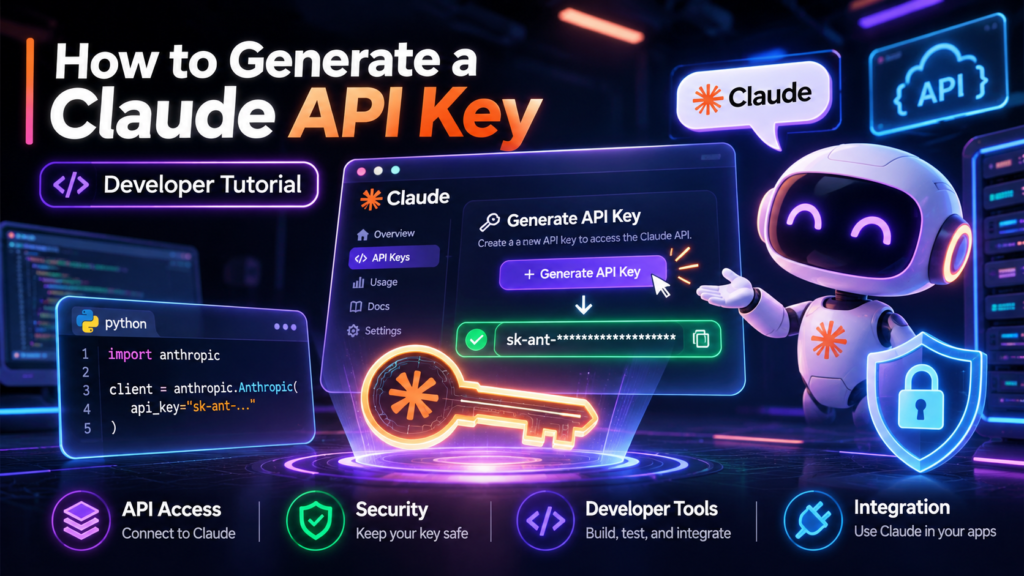
How to Generate a Claude API Key
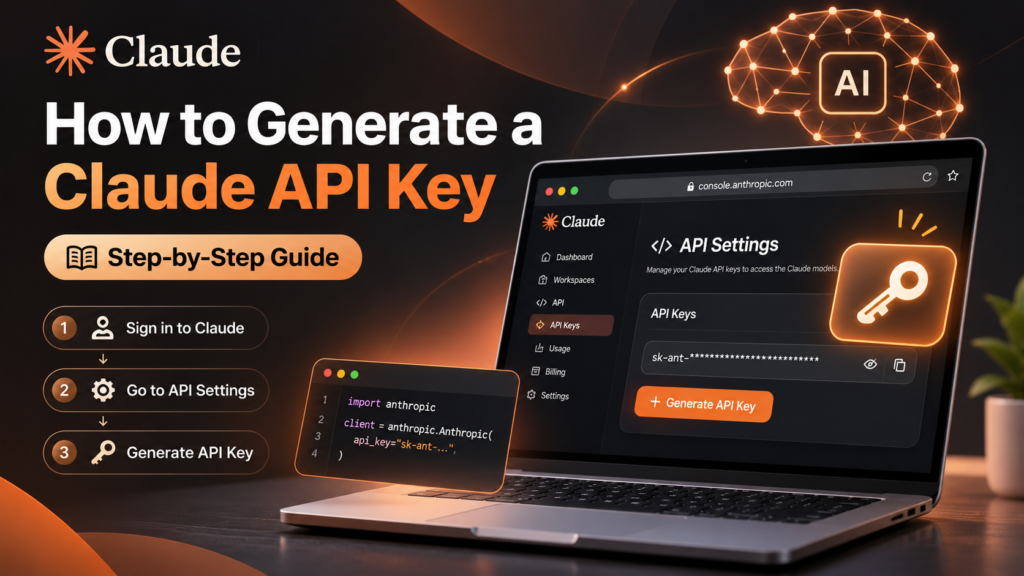
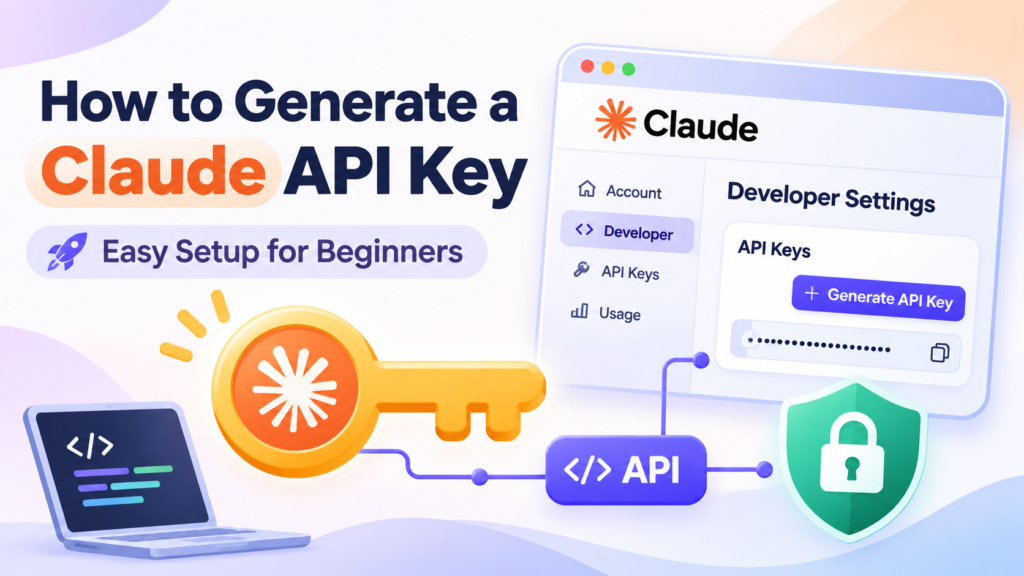
Generating a new key is a straightforward process designed for efficiency. First, log in to the official Anthropic console using your account credentials. Navigate to the settings or developer section where API management tools are located. Look for the option labeled “Create New Key” or similar.
Once you click the creation button, the system will generate a long string of alphanumeric characters. This is your secret key. Copy it immediately and save it in a secure location, such as a password manager or a secure configuration file. You will not be able to view the full key again after leaving the screen, so having it saved is critical.
After generation, you can begin integrating the key into your development environment. Most SDKs allow you to set an environment variable named ANTHROPIC_API_KEY to handle authentication automatically. This simplifies the coding process and keeps your credentials out of your source code repository.
- A Claude API key authenticates your application with Anthropic’s servers.
- Keys are generated via the secure Anthropic web console.
- Always store keys in environment variables to prevent leaks.
Understanding Claude API Key Permissions
When you generate a claude api key, it is crucial to understand the scope of access it provides. Anthropic’s API keys are designed with granular permission levels in mind, ensuring that your applications interact with the model securely and efficiently. By default, these keys grant access to specific endpoints and features associated with the Claude family of models.
It is important to note that not all keys are created equal. Depending on your account tier and configuration, some keys may have restricted access to certain high-compute operations or advanced features. Always review the documentation provided by the platform to understand exactly which capabilities are enabled for your specific key. This awareness helps prevent unexpected errors or access denials when integrating the API into your workflow.
Furthermore, understanding these permissions allows you to tailor your application’s behavior. For instance, if a key lacks permission for streaming responses, your code should handle this limitation gracefully by using non-streaming methods. This proactive approach ensures a smoother user experience and reduces debugging time. Remember that permissions can evolve as new features are released, so staying informed about updates is part of maintaining a robust integration.
Best Practices for Securing Your API Key
Security should never be an afterthought when managing digital assets. A claude api key is essentially a password to your AI capabilities, and protecting it is paramount. One of the most effective strategies is to store your key in environment variables rather than hardcoding it into your source files. This practice keeps sensitive data out of version control systems like GitHub, where it could accidentally be exposed to the public.
Additionally, consider using secret management tools or services that encrypt and manage your credentials automatically. These tools provide an extra layer of security by ensuring that only authorized applications can retrieve the key at runtime. Regularly rotating your API keys is another vital habit. If you suspect a key has been compromised, immediate rotation minimizes potential damage.
For businesses looking to enhance their overall digital presence, combining secure API practices with professional marketing strategies can yield significant results. You might explore resources such as SEO and digital marketing services in Bangladesh to broaden your reach while keeping your technical infrastructure secure. Balancing security with growth ensures that your projects remain both protected and profitable.